Note
Read more about preprocessing of fNIRS data on the Brainstorm documentation website.
Visual inspection
Open the fNIRS recording by double clicking on the “Link to raw file”.
Go through the entire dataset and manually mark any time-segment that contains artefact. To mark a time segment as bad, click-and-drag the mouse select an artefactual time window, and then press ‘b’ on the keyboard. This will create a “BAD” event.
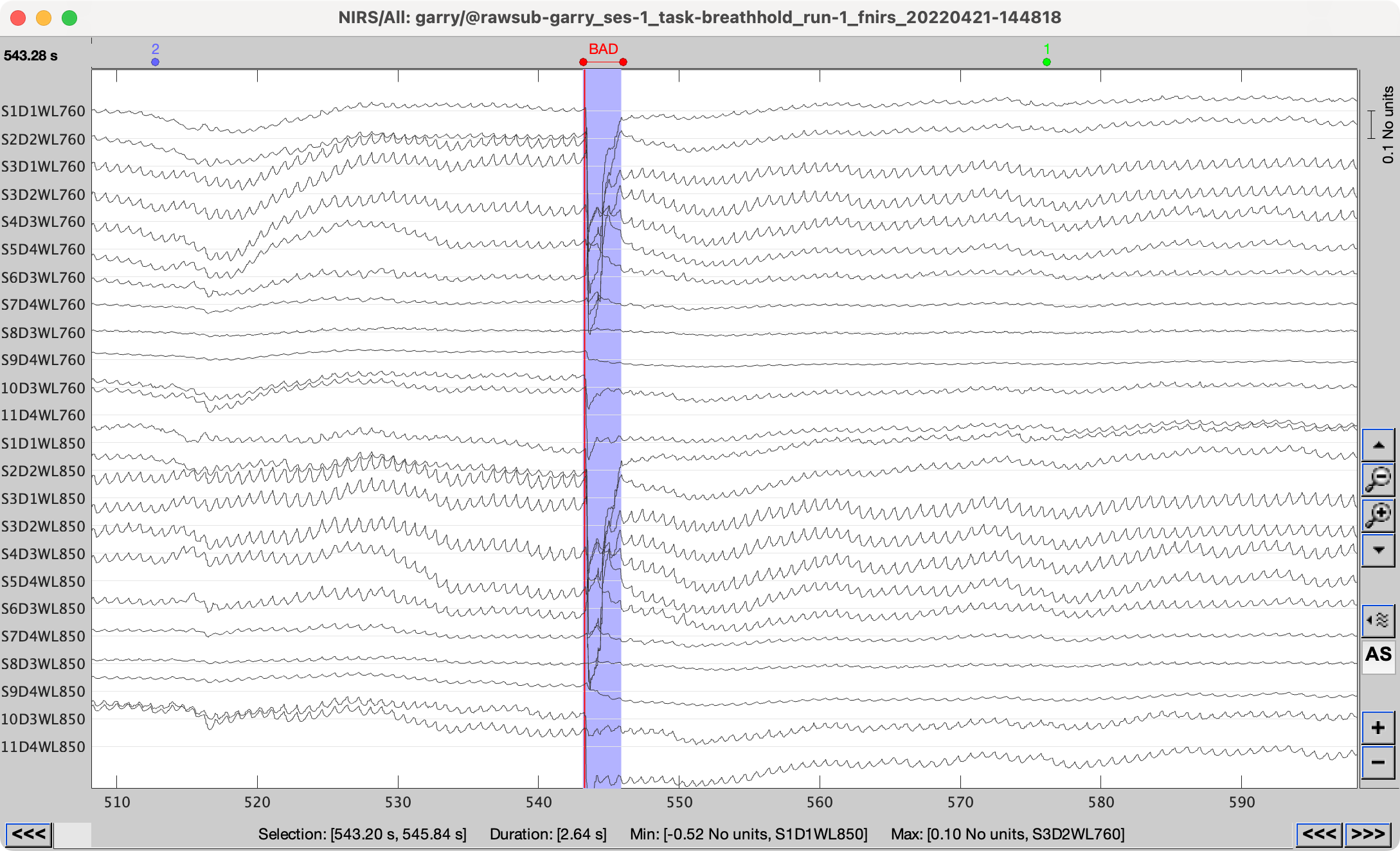
Close the data-inspection window, and save modifications.
Preproc pipeline
Drag one “Link to raw file” into the “Files to process” box (you may run into an unexpected error - bug - if you run multiple files).
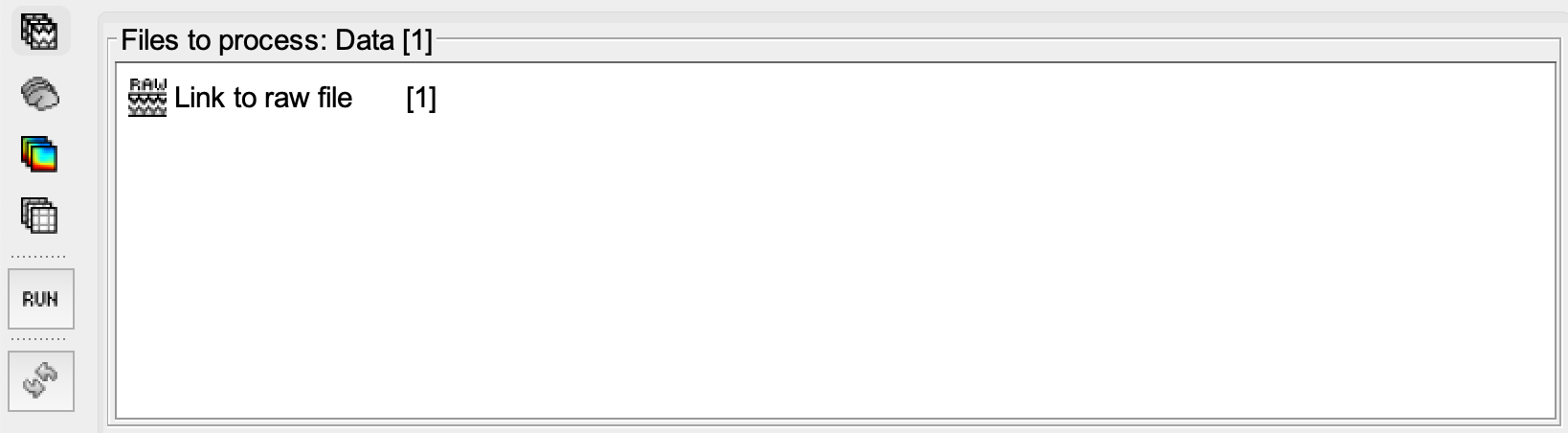
Click “Run”, the “Pipeline editor” will now open.
Detect bad channels
From the menu, select “NIRS” > “Pre-process” > “Detect bad channels”.
Check the box “Channel rejection by Scalp Coupling Index”.
Set the scalp coupling index (SCI) threshold to “80”%.
Set the power threshold to “10”%.
Uncheck all other boxes.
Select “Keep all” in the auxillary measurement dropdown menu.
Convert to optical density
From the menu, select “NIRS” > “dOD and MBLL” > “Raw to delta OD”.
Select “mean” in the “Baseline method” dropdown menu.
Check the box “All file”.
Bandpass filter
From the menu, select “NIRS” > “Pre-process” > “Band-pass filter”.
Specify “NIRS” in the sensor types input field.
Check the “Keep mean” box.
Set the lower cutoff frequency to 0.005 Hz (or at least twice the period of your block + rest period).
Set the upper cutoff frequency to 0.08 Hz (or maximum at 0.15 Hz, however please note that Mayer-waves occur roughly at 0.1 Hz)
Set the filter order to “3”.
Motion correction
From the menu, select “NIRS” > “Pre-process” > “Motion correction”.
Select “Spline correction” as the motion correction algorithm.
Specify “BAD” as the movement event name.
Set the smoothing parameters to “0.99”.
Remove bad epoch events
From the menu, select “Events” > “Delete events”.
Specify “BAD” in the event names input field.
Short-separation channel regression
From the menu, select “NIRS” > “Pre-process” > “Remove superficial noise”.
Select “Based on Source-Detector distances” to select the short-separation channels.
Set the separation threshold to “1.5” centimeters.
Convert to Hb concentrations
From the menu, select “NIRS” > “dOD and MBLL” > “MBLL - delta OD to delta [HbO], [HbR] & [HbT]”.
Provide the age of the subject.
Set the partial volume correction factor (PVF) to “50”.
Check the differential light path factor (DPF) correction box.
Select “DUNCAN1996” or “SCHOLKMANN2013” as your correction method.
Now we’re all set
Click “Run”
Once the processes have completed, check the “Report” window for any further information, warnings and errors.
Also, ALWAYS visually inspect the output files!